Managing Option Values
Overview
As part of ongoing improvements, SDM now handles option values for "select" attributes in a separate collection to improve performance and scalability, particularly for large datasets, and improves SDM’s usability for managing extensive option values.
Key Changes
1. Improved Option Value Management
After December 2nd, 2024:
- The
option_typefield will no longer appear in the JSON. - A new field,
options_collection_name, will reference the option collection stored outside the JSON. - The attribute name will be used to name the option collection by default.
2. Accessing and Managing Option Collections in SDM Admin
Viewing Option Collections
You can view option collections:
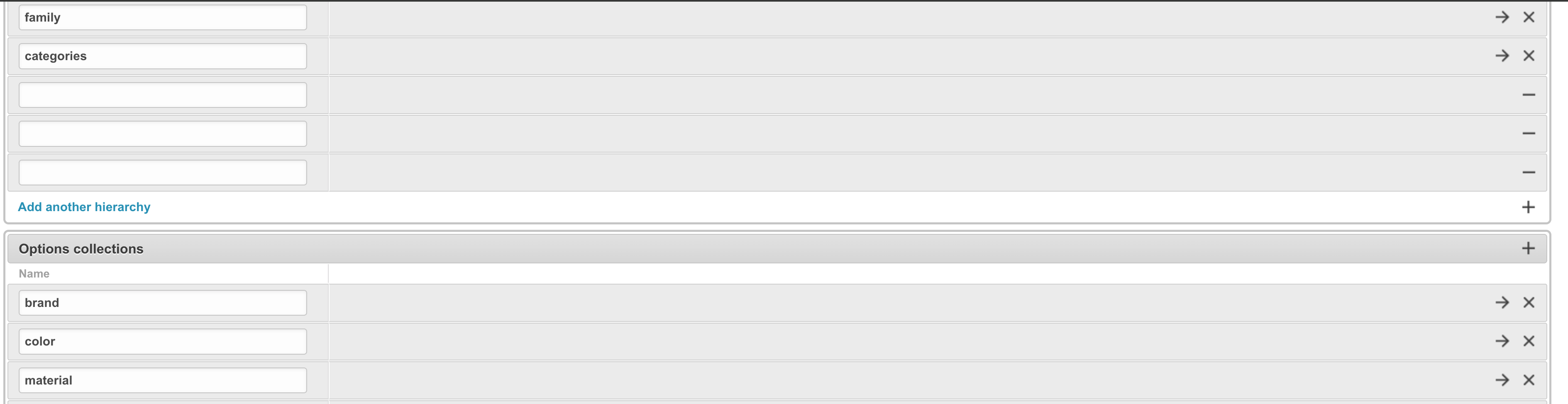
- Within the Project Configuration: Navigate to the configuration interface, where collections are referenced directly.
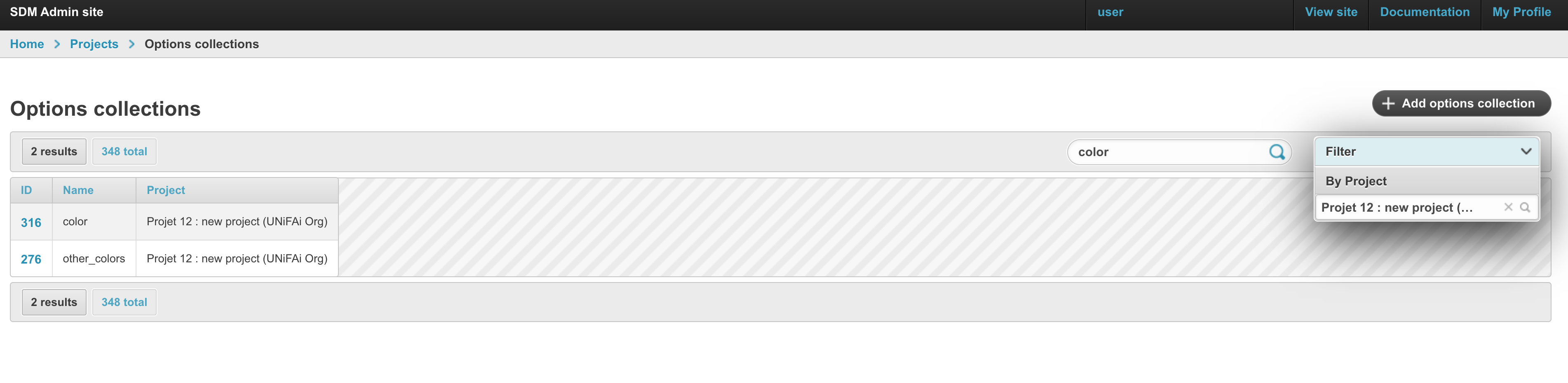
- Via the Dedicated Option Collections Page: Use the dedicated interface to search for and access your collections directly.
Updating Option Collections
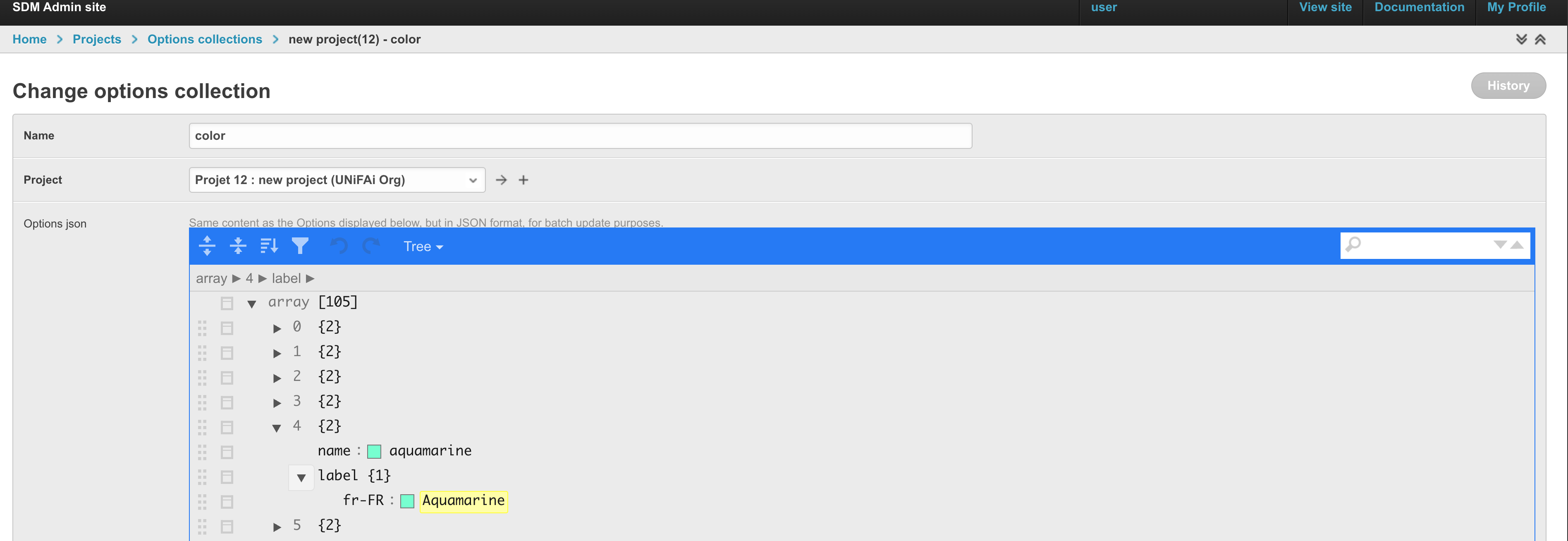
- Select the relevant collection from the Options Page.
- Edit the JSON structure to update option values.
- Save your changes.